
Apple Business Manager – Sign Up
In this article
In this article group
Apple Business Manager (ABM) is Apple's web portal for managing device enrollment, app distribution, and Managed Apple Accounts for an organization. Customers need an ABM account before we can manage their Apple devices through our MDM.
Prerequisites
- A D-U-N-S Number for the organization — look up or request one here
- A work email address that is not already associated with an Apple Account, App Store, or iCloud account
- The legal name of a real person at the organization (not a role like "IT Admin")
- A verification contact (e.g., CEO, CFO, CTO) — this must be a different person than the one signing up
- Organization phone number and website URL (website is optional but speeds up verification)
Note – The D-U-N-S Number must match the organization's legal name and address exactly. Mismatches will delay or block enrollment.
Sign Up Process
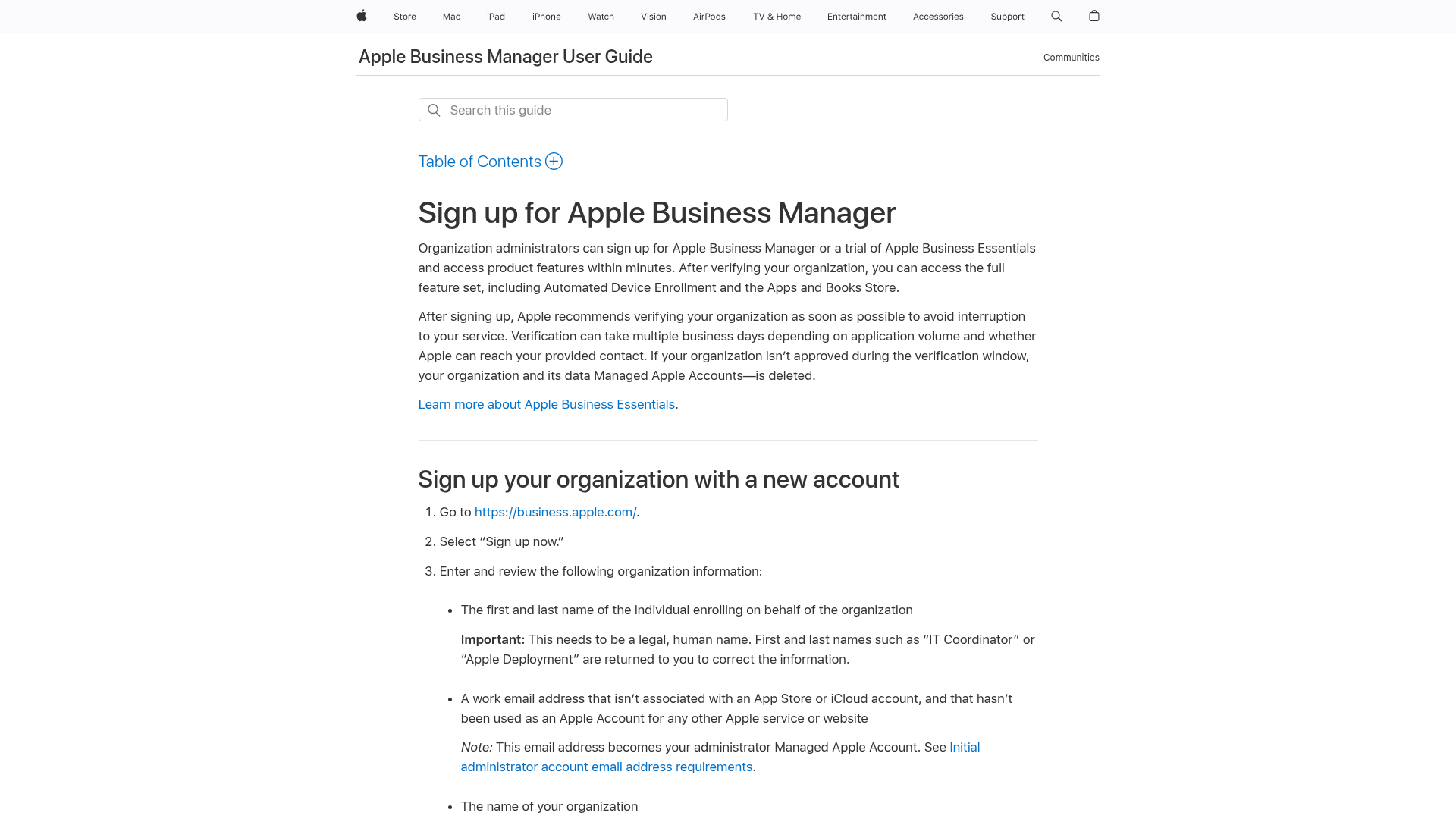
- Go to https://business.apple.com
- Select Sign up now
- Enter the following organization information:
- First and last name of the person enrolling
- Work email address (becomes the administrator Managed Apple Account)
- Organization name
- Website URL (optional)
- Choose whether to receive Apple Business news, then select Continue
- Create and confirm a password, select a region code, and enter a phone number
- Verify your email address with the one-time code Apple sends
- Verify your phone number with a separate one-time code
- Follow the remaining prompts and select Get Started
Note – At this point the customer has access to ABM, but with limited features until verification is complete.
Verify the Organization
Verification unlocks the full ABM feature set including Automated Device Enrollment and the Apps and Books Store.
- Sign in at https://business.apple.com
- Go to Organization Settings
- Select Verify
- Enter the organization's D-U-N-S Number
- Enter the verification contact's name, email, and job title
- Watch for a confirmation email from Apple with the subject line "Your enrollment is in review"
Important – Apple will call the verification contact to confirm details. Make sure the contact knows to expect the call and to return any missed calls promptly. Delays here can cause the enrollment to be deleted.
After approval, immediately create at least one additional Administrator account. If the initial admin loses access before a second admin exists, password recovery is only possible through iforgot.apple.com.
Alternative: Sign Up with Apple Business Connect
If the customer already has an Apple Business Connect account, they can use it to sign up for ABM:
- Go to https://business.apple.com
- Sign in with the Apple Business Connect administrator credentials
- Select an existing company or choose Create a New Organization
- Choose whether to transfer the Business Connect Apple Account to a Managed Apple Account, or use a different account
- Follow the remaining prompts
Features Available Before vs. After Verification
| Feature | Before Verification | After Verification |
|---|---|---|
| Managed Apple Accounts | Yes | Yes |
| User Enrollment | Yes | Yes |
| Directory Sync | Yes | Yes |
| Automated Device Enrollment | No | Yes |
| Device Enrollment | No | Yes |
| Apps and Books Store | No | Yes |
| Federated Authentication / IdP | No | Yes |
| Domain Capture | No | Yes |
Troubleshooting
| Issue | Cause | Resolution |
|---|---|---|
| Enrollment rejected — name invalid | A role or department name was used instead of a real person's name | Re-submit with the legal first and last name of the person enrolling |
| Email address not accepted | Email is already tied to an Apple Account, App Store, or iCloud | Use a different work email that has never been used with Apple services |
| Verification stuck or enrollment deleted | Apple could not reach the verification contact | Ensure the contact watches for calls/emails from apple.com domains and responds quickly |
| D-U-N-S Number not matching | The legal name or address on the D-U-N-S record doesn't match what was entered | Update the D-U-N-S record with Dun & Bradstreet or correct the enrollment info to match |
| Terms and conditions prompt blocking access | Updated T&C that an admin needs to accept | Have an Administrator sign in and accept the new terms |
Quick Reference
| Task | Location |
|---|---|
| Sign up for ABM | business.apple.com |
| Look up D-U-N-S Number | developer.apple.com/support/D-U-N-S |
| Reset forgotten admin password | iforgot.apple.com |
| Apple ABM documentation | support.apple.com/guide/apple-business-manager |